TextField Input Suggestions
Published on June 9, 2026
Tagged with swiftui, macos
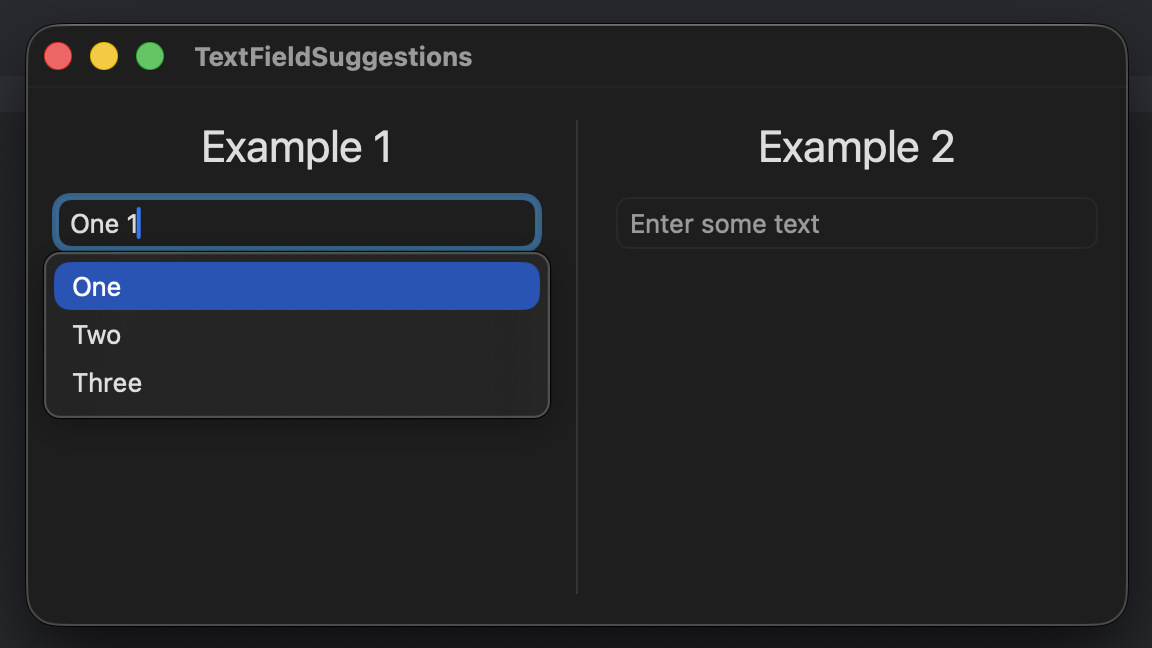
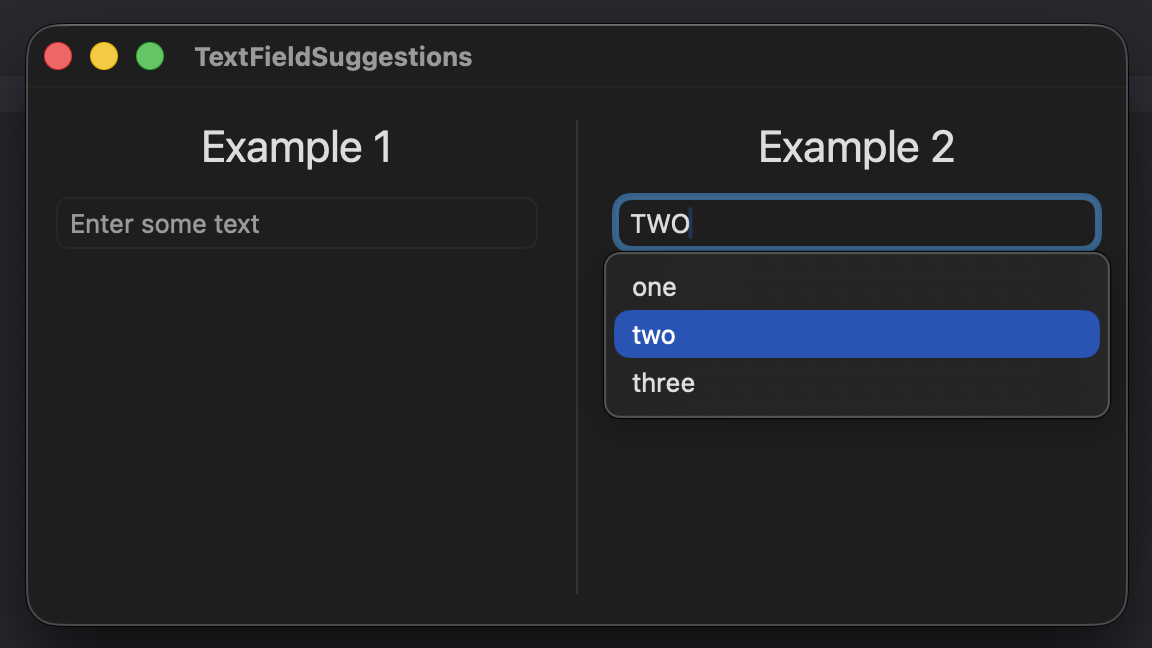
Use the .textInputSuggestions modifier on a TextField in macOS to suggest completions during text input. The .textInputCompletion associates a string with each suggestion. In the example below, the first text field has each suggestion defined individually. The second text field uses an array of items for each suggestion. Notice that the suggestion text can be the same or different than the completion text. The code shown below is available as an Xcode project in the swift-macos repo on GitHub.
import SwiftUI

struct MainView: View {

    @State private var firstInput = ""
    @State private var secondInput = ""

    let items = ["one", "two", "three"]

    var body: some View {
        HStack(alignment: .top , spacing: 20) {
            VStack {
                Text("Example 1").font(.title)

                TextField("Enter some text", text: $firstInput)
                    .textInputSuggestions {
                        Text("One")
                            .textInputCompletion("One 1")
                        Text("Two")
                            .textInputCompletion("Two 2")
                        Text("Three")
                            .textInputCompletion("Three 3")
                    }
            }

            Divider()

            VStack {
                Text("Example 2").font(.title)

                TextField("Enter some text", text: $secondInput)
                    .textInputSuggestions(items, id: \.self) { item in
                        Text(item)
                            .textInputCompletion(item.uppercased())
                    }
            }
        }
        .padding()
    }
}
Gavin Wiggins © 2026
Made on a Mac with
Genja. Hosted on
GitHub Pages.